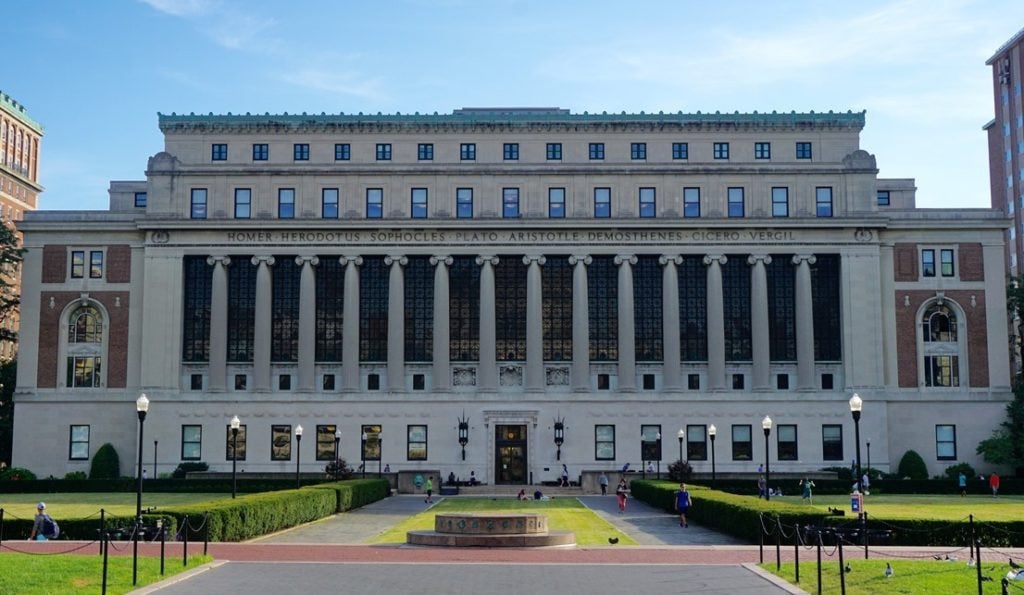
Are you applying to one of the world’s most prestigious universities and want to know how to access and use the Columbia University Applicant Portal? Whether you are submitting an undergraduate, graduate, or professional school application, understanding how to register and manage your applicant account is essential for staying on top of deadlines, requirements, and admission updates.
This comprehensive guide will walk you through everything you need to know about the Columbia University applicant portal, from login procedures to common pitfalls and best practices.
What is the Columbia University Applicant Portal?
The Columbia University Applicant Portal is an online dashboard where prospective students can:
- Start a new application or continue a partially completed one.
- Track the status of all submitted application materials.
- View decisions and admissions updates.
- Submit supplemental documents when requested by admissions offices.
Columbia provides separate portals depending on the program you are applying to – such as the undergraduate portal for first-year applicants or specialized portals for graduate schools like Business or the School of International and Public Affairs.
How to Create & Access Your Application Account
When you begin your application to Columbia University, you will often start on the respective program portal. For example:
- Undergraduate applicants log in or register at the official admissions login page.
- Students applying to professional or graduate schools may use portals like the School of Arts application portal.
- MBA or business applicants use the Columbia Business School application management portal.
Here’s how to begin:
- Create Your Account: If you’re a first-time applicant, choose “Create an account” on the application system. You will need a valid email, name, and date of birth to establish your login credentials.
- Set Up Credentials: Complete your profile, set a secure password, and verify your email. Many applicants receive a temporary PIN via email to complete activation if required.
- Returning Users: Simply enter your email and password on the portal’s login page to continue your application or review status updates.
Checking Application Status & Uploading Documents
Once logged into your applicant portal, you will see a dashboard with key information such as:
- Application progress summary detailing submitted materials, pending items, and due dates.
- Document submission history such as transcripts, letters of recommendation, test scores, and essays.
- Status indicators showing whether items are received, processed, or missing.
If you discover that a document is marked as “not received,” the admissions office typically allows you to have your school resend the document or upload additional materials directly through the portal or via email.

Troubleshooting Common Portal Issues
It’s not uncommon for applicants to face login challenges or processing delays. Here are some common problems and how to address them:
1. Temporary PIN Email Didn’t Arrive
Students sometimes report that their temporary PIN or activation email hasn’t been received days after applying. In this case:
- Check spam and junk folders.
- Use the “Forgot password” feature on the portal login page to trigger a reset.
- If problems persist, contact the admissions office directly via their official contact channels.
2. Application Status Appears Stuck
Occasionally, you might see a “Waiting” or incomplete status even after submitting key items. It’s important to remember that Columbia’s systems may take several days to update as they process each document. Many applicants online also share that status indicators often lag briefly after submission.
3. Portal Navigation Glitches
Some users find that tabs or certain progress pages don’t load properly. If this happens:
- Try logging out and back in.
- Open the portal in a different browser or clear your cache.
- Report technical issues to Columbia’s admissions support email if they persist.
Tips to Maximize Your Applicant Portal Experience
To stay organized and avoid stress during the admissions process, consider these actionable tips:
- Bookmark Your Login Page: Save the direct link to your specific portal (undergrad, graduate, or professional) in your browser for quick access.
- Regularly Check Email: Columbia will send critical updates and instructions via email linked to your applicant account.
- Document Everything: Keep copies of all submission confirmations outside the portal in case you need to reference them later.
What Happens After Decisions Are Posted?
Once decisions are ready, you’ll typically find your admission outcome directly within the Columbia University applicant portal. Pay close attention to the portal’s notifications area — this is where acceptance, waitlist, or denial messages are displayed, along with any next steps if you’re admitted.
In some cases, additional portals or systems will be listed within your dashboard for things like financial aid, housing, or student orientation resources. Always follow the specific instructions provided per notification.
Additional Resources & Next Steps
If you’re navigating multiple university applications, it can help to compare portal experiences and admission processes across schools. For example, many applicants also research admissions timelines and portal setups for other leading universities — such as the differences in how Stanford University manages applicant expectations compared to Ivy League institutions.
To deepen your understanding of the broader admissions landscape and prepare competitive applications, check out guides on building strong college applications and navigating admissions deadlines on AccoladeTutor.com.
Final Thoughts
Getting comfortable with the Columbia University Applicant Portal is a major part of the application experience. From creating your account to tracking your documents and interpreting status updates, the portal is your central hub for communication with one of the world’s most competitive universities. By following the steps outlined above and staying proactive throughout the process, you’ll be positioned to manage your admissions journey with confidence.
Good luck!